PlcComm.Slmp
0.1.5
See the version list below for details.
dotnet add package PlcComm.Slmp --version 0.1.5
NuGet\Install-Package PlcComm.Slmp -Version 0.1.5
<PackageReference Include="PlcComm.Slmp" Version="0.1.5" />
<PackageVersion Include="PlcComm.Slmp" Version="0.1.5" />
<PackageReference Include="PlcComm.Slmp" />
paket add PlcComm.Slmp --version 0.1.5
#r "nuget: PlcComm.Slmp, 0.1.5"
#:package PlcComm.Slmp@0.1.5
#addin nuget:?package=PlcComm.Slmp&version=0.1.5
#tool nuget:?package=PlcComm.Slmp&version=0.1.5





SLMP Protocol for .NET
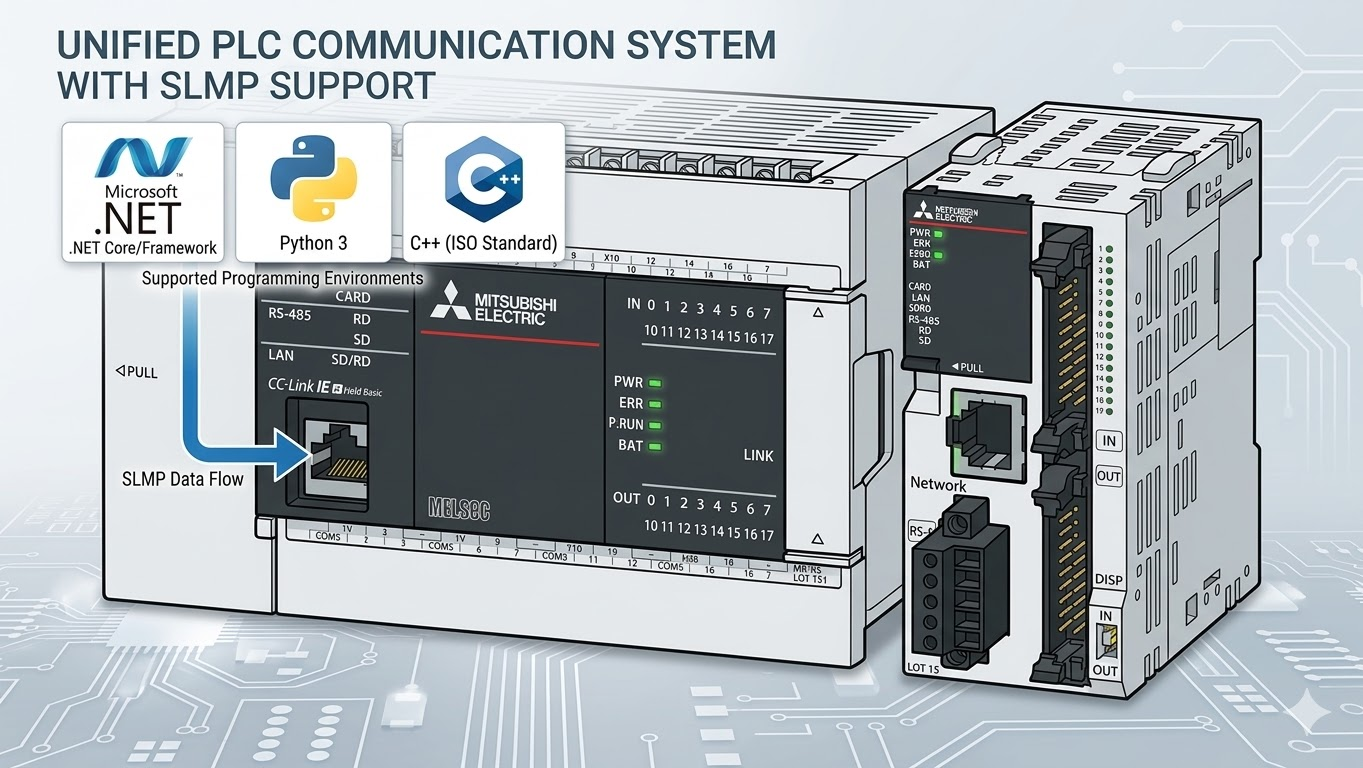
High-level SLMP helpers for Mitsubishi PLC communication over Binary 3E and 4E frames.
The recommended user surface is the extension-method layer:
SlmpClientFactory.OpenAndConnectAsyncSlmpConnectionOptionsReadTypedAsync/WriteTypedAsyncReadWordsSingleRequestAsync/ReadDWordsSingleRequestAsyncReadWordsChunkedAsync/ReadDWordsChunkedAsyncWriteBitInWordAsyncReadNamedAsyncPollAsyncSlmpAddress.Normalize
Quick Start
Installation
- Package page: https://www.nuget.org/packages/PlcComm.Slmp/
dotnet add package PlcComm.Slmp
Or add a package reference directly:
<PackageReference Include="PlcComm.Slmp" Version="0.1.5" />
Recommended High-Level Usage
using PlcComm.Slmp;

var options = new SlmpConnectionOptions("192.168.250.100")
{
    Port = 1025,
    FrameType = SlmpFrameType.Frame4E,
    CompatibilityMode = SlmpCompatibilityMode.Iqr,
};

await using var client = await SlmpClientFactory.OpenAndConnectAsync(options);

var snapshot = await client.ReadNamedAsync(["D100", "D200:F", "D50.3"]);
Console.WriteLine(snapshot["D100"]);
Console.WriteLine(snapshot["D200:F"]);
Console.WriteLine(snapshot["D50.3"]);
Supported PLC Registers
Start with these public high-level families first:
- word devices:
D,SD,R,ZR,TN,CN - bit devices:
M,X,Y,SM,B - typed forms:
D200:F,D300:L,D100:S - mixed snapshot forms:
D50.3,D100,D200:F - current-value long families:
LTN,LSTN,LCN
See the full public table in Supported PLC Registers.
Public Documentation
- Getting Started
- Supported PLC Registers
- Latest Communication Verification
- User Guide
- Samples
- High-Level API Contract
Maintainer-only notes and retained evidence live under internal_docs/.
High-Level API Guide
Typed Values
float temperature = (float)await client.ReadTypedAsync("D200", "F");
int position = (int)await client.ReadTypedAsync("D300", "L");

await client.WriteTypedAsync("D100", "U", (ushort)42);
await client.WriteTypedAsync("D200", "F", 3.14f);
await client.WriteTypedAsync("D300", "L", -100);
Mixed Reads
var snapshot = await client.ReadNamedAsync(
[
    "D100",
    "D200:F",
    "D300:L",
    "D50.3",
]);
Use .bit notation only with word devices such as D50.3.
Address bit devices directly as M1000, M1001, X20, or Y20.
Development
run_ci.bat
build_docs.bat
release_check.bat
Pack the NuGet package locally:
dotnet pack src\PlcComm.Slmp\PlcComm.Slmp.csproj -c Release
License
Distributed under the MIT License.
| Product | Versions Compatible and additional computed target framework versions. |
|---|---|
| .NET | net9.0 is compatible. net9.0-android was computed. net9.0-browser was computed. net9.0-ios was computed. net9.0-maccatalyst was computed. net9.0-macos was computed. net9.0-tvos was computed. net9.0-windows was computed. net10.0 was computed. net10.0-android was computed. net10.0-browser was computed. net10.0-ios was computed. net10.0-maccatalyst was computed. net10.0-macos was computed. net10.0-tvos was computed. net10.0-windows was computed. |
-
net9.0
- No dependencies.
NuGet packages
This package is not used by any NuGet packages.
GitHub repositories
This package is not used by any popular GitHub repositories.