PlcComm.Slmp
0.1.13
See the version list below for details.
dotnet add package PlcComm.Slmp --version 0.1.13
NuGet\Install-Package PlcComm.Slmp -Version 0.1.13
<PackageReference Include="PlcComm.Slmp" Version="0.1.13" />
<PackageVersion Include="PlcComm.Slmp" Version="0.1.13" />
<PackageReference Include="PlcComm.Slmp" />
paket add PlcComm.Slmp --version 0.1.13
#r "nuget: PlcComm.Slmp, 0.1.13"
#:package PlcComm.Slmp@0.1.13
#addin nuget:?package=PlcComm.Slmp&version=0.1.13
#tool nuget:?package=PlcComm.Slmp&version=0.1.13





SLMP Protocol for .NET
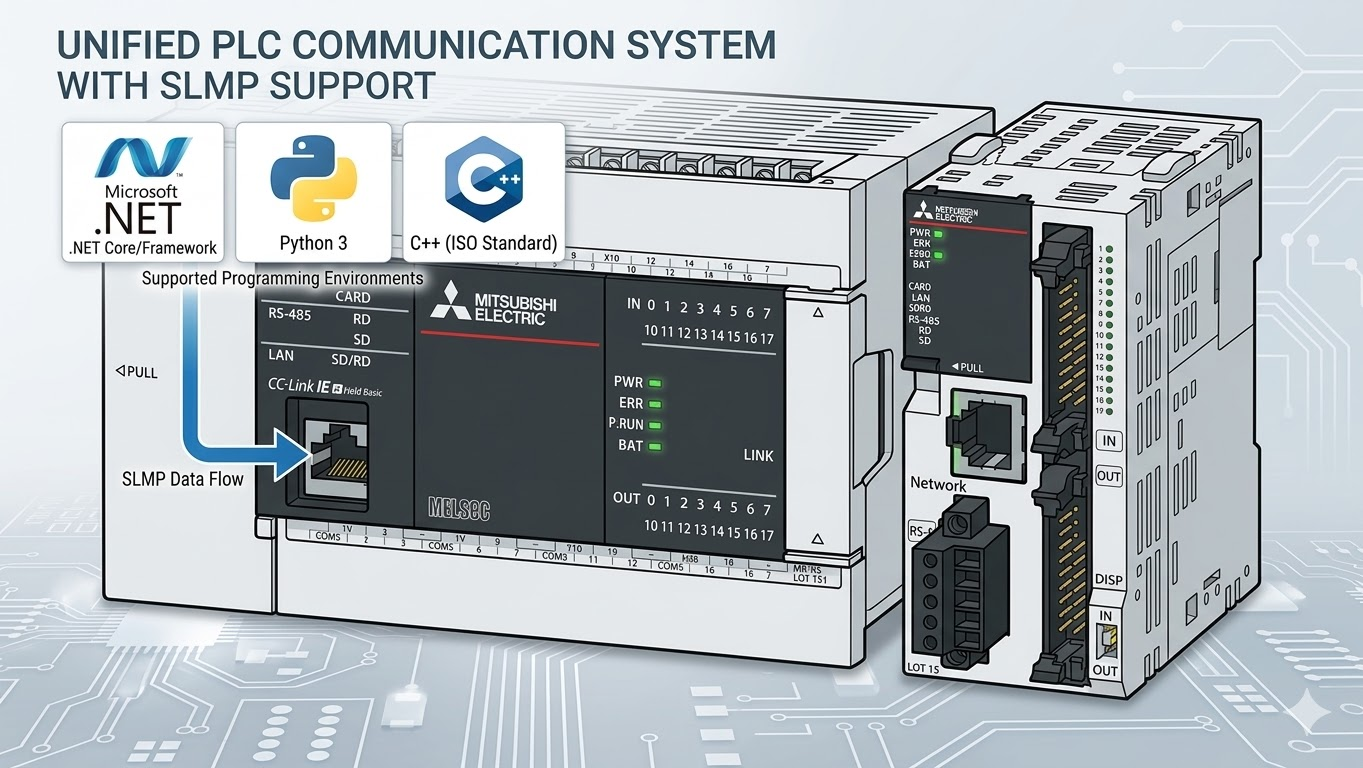
High-level SLMP helpers for Mitsubishi PLC communication over Binary 3E and 4E frames.
The recommended user surface is the extension-method layer:
SlmpClientFactory.OpenAndConnectAsyncSlmpConnectionOptionsReadTypedAsync/WriteTypedAsyncReadWordsSingleRequestAsync/ReadDWordsSingleRequestAsyncReadWordsChunkedAsync/ReadDWordsChunkedAsyncWriteBitInWordAsyncReadNamedAsyncWriteNamedAsyncPollAsyncSlmpAddress.NormalizeReadDeviceRangeCatalogAsync
Quick Start
Installation
- Package page: https://www.nuget.org/packages/PlcComm.Slmp/
dotnet add package PlcComm.Slmp
Or add a package reference directly:
<PackageReference Include="PlcComm.Slmp" Version="0.1.13" />
Recommended High-Level Usage
using PlcComm.Slmp;

var options = new SlmpConnectionOptions("192.168.250.100", SlmpPlcFamily.IqR)
{
    Port = 1025,
};

await using var client = await SlmpClientFactory.OpenAndConnectAsync(options);

var snapshot = await client.ReadNamedAsync(["D100", "D200:F", "D50.3"]);
Console.WriteLine(snapshot["D100"]);
Console.WriteLine(snapshot["D200:F"]);
Console.WriteLine(snapshot["D50.3"]);
Supported PLC Registers
Start with these public high-level families first:
- word devices:
D,SD,R,ZR,TN,CN - bit devices:
M,X,Y,SM,B - typed forms:
D200:F,D300:L,D100:S - mixed snapshot forms:
D50.3,D100,D200:F - current-value long families:
LTN,LSTN,LCN - 32-bit index register:
LZ
See the full public table in Supported PLC Registers.
For live PLC-dependent device limits resolved from a user-selected PLC family
plus family SD registers, see Device Range Catalog.
Long Current / 32-bit Values
LTN, LSTN, and LCN are not normal 16-bit word devices in the high-level
API. They represent 32-bit current values. LZ is also a 32-bit device. Use
the typed or named API with :D or :L:
var timer = await client.ReadTypedAsync("LTN100", "L");
await client.WriteTypedAsync("LTN100", "L", 1234);

var lz = await client.ReadTypedAsync("LZ0", "D");
var snapshot = await client.ReadNamedAsync(["LTN100:L", "LSTN10:D", "LCN0:L", "LZ0:D"]);
await client.WriteNamedAsync(new Dictionary<string, object>
{
    ["LCN0:L"] = 10,
    ["LZ0:D"] = 0,
});
LCN current values use random dword access in the high-level helpers. The
low-level word block APIs intentionally reject LTN / LSTN / LCN / LZ
as word writes and random word entries. Direct DWord reads/writes are also
rejected for these families so the 32-bit route is selected explicitly through
ReadTypedAsync / ReadNamedAsync or WriteTypedAsync / WriteNamedAsync.
Contact and coil devices in the long families, such as LTS, LTC, LSTS,
LSTC, LCS, and LCC, are bit-style addresses. Do not treat them as
current-value words. ReadLtsStatesAsync, ReadLtcStatesAsync,
ReadLstsStatesAsync, and ReadLstcStatesAsync read the LTN / LSTN
4-word status block and use the third word (b1 for contact, b0 for coil).
LCS and LCC reads use direct bit read through the typed/named helpers.
For LTS, LTC, LSTS, LSTC, LCS, and LCC writes, WriteTypedAsync /
WriteNamedAsync select the random bit write route (0x1402) instead of the
contiguous bit write route (0x1401).
Route guard note: direct bit read/write (0x0401 / 0x1401) and Read Random
(0x0403) are intentionally rejected for LTS, LTC, LSTS, and LSTC
before a PLC request is sent. Direct bit write (0x1401) is also rejected for
LCS and LCC; use WriteTypedAsync / WriteNamedAsync so 0x1402 is
selected.
Device Range Catalog
Use ReadDeviceRangeCatalogAsync after opening a connection with a selected
SlmpPlcFamily. The catalog reports whether each device is supported, its
point count, lower bound, upper bound, display range, notation, and source.
var catalog = await client.ReadDeviceRangeCatalogAsync();
var stn = catalog.Entries.First(entry => entry.Device == "STN");

if (!stn.Supported || stn.PointCount == 0)
{
    Console.WriteLine("STN is unavailable in the current PLC settings.");
}
Applications should use this catalog to clamp monitor scroll ranges and reject out-of-range reads or writes before issuing SLMP commands.
Public Documentation
- Getting Started
- Supported PLC Registers
- Device Range Catalog
- Latest Communication Verification
- User Guide
- Samples
- High-Level API Contract
Maintainer-only notes and retained evidence live under internal_docs/.
High-Level API Guide
Typed Values
float temperature = (float)await client.ReadTypedAsync("D200", "F");
int position = (int)await client.ReadTypedAsync("D300", "L");

await client.WriteTypedAsync("D100", "U", (ushort)42);
await client.WriteTypedAsync("D200", "F", 3.14f);
await client.WriteTypedAsync("D300", "L", -100);
await client.WriteTypedAsync("LTN100", "L", 1000);
Mixed Reads
var snapshot = await client.ReadNamedAsync(
[
    "D100",
    "D200:F",
    "D300:L",
    "D50.3",
]);
Use .bit notation only with word devices such as D50.3.
Address bit devices directly as M1000, M1001, X20, or Y20.
Use :D or :L with LTN, LSTN, and LCN.
Development
run_ci.bat
build_docs.bat
release_check.bat
Pack the NuGet package locally:
dotnet pack src\PlcComm.Slmp\PlcComm.Slmp.csproj -c Release
License
Distributed under the MIT License.
| Product | Versions Compatible and additional computed target framework versions. |
|---|---|
| .NET | net9.0 is compatible. net9.0-android was computed. net9.0-browser was computed. net9.0-ios was computed. net9.0-maccatalyst was computed. net9.0-macos was computed. net9.0-tvos was computed. net9.0-windows was computed. net10.0 was computed. net10.0-android was computed. net10.0-browser was computed. net10.0-ios was computed. net10.0-maccatalyst was computed. net10.0-macos was computed. net10.0-tvos was computed. net10.0-windows was computed. |
-
net9.0
- No dependencies.
NuGet packages
This package is not used by any NuGet packages.
GitHub repositories
This package is not used by any popular GitHub repositories.