Syncfusion.AspNetMvc.Base
34.1.29
Prefix Reserved
dotnet add package Syncfusion.AspNetMvc.Base --version 34.1.29
NuGet\Install-Package Syncfusion.AspNetMvc.Base -Version 34.1.29
<PackageReference Include="Syncfusion.AspNetMvc.Base" Version="34.1.29" />
<PackageVersion Include="Syncfusion.AspNetMvc.Base" Version="34.1.29" />
<PackageReference Include="Syncfusion.AspNetMvc.Base" />
paket add Syncfusion.AspNetMvc.Base --version 34.1.29
#r "nuget: Syncfusion.AspNetMvc.Base, 34.1.29"
#:package Syncfusion.AspNetMvc.Base@34.1.29
#addin nuget:?package=Syncfusion.AspNetMvc.Base&version=34.1.29
#tool nuget:?package=Syncfusion.AspNetMvc.Base&version=34.1.29
Syncfusion® ASP.NET MVC UI Controls
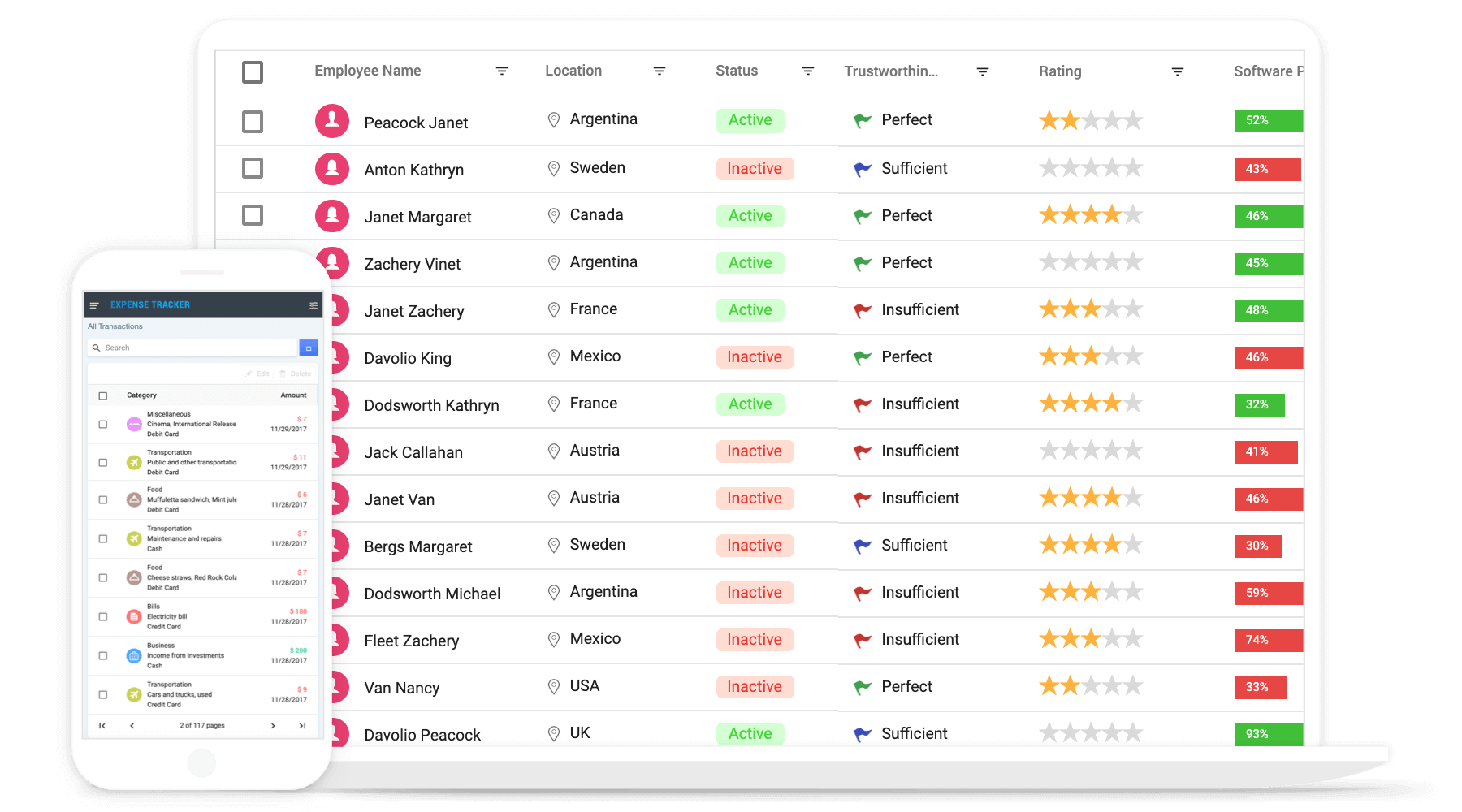
Syncfusion® ASP.NET MVC UI controls are built from the ground up to be lightweight, responsive, and touch- friendly. It includes over 90+ controls, including grid, charts, scheduler, spreadsheet, gantt chart, listbox, file manager, rich text editor and much more.
System Requirements
Getting Started
- Getting Started with ASP.NET MVC controls
- Getting Started with ASP.NET MVC controls using project templates
Help Resources
- ASP.NET MVC UI Controls Features Overview
- ASP.NET MVC UI Controls Documentation
- ASP.NET MVC UI Controls Demos
Support and feedbacks
- For queries, reach our Syncfusion® support team or post the queries through the community forums.
- Request new feature through Syncfusion® feedback portal.
License
This is a commercial product and requires a paid license for possession or use. Syncfusion® licensed software, including this component, is subject to the terms and conditions of Syncfusion® EULA. You can purchase a license here or start a free 30-day trial here.
About Syncfusion®
Founded in 2001 and headquartered in Research Triangle Park, N.C., Syncfusion® has more than 29,000 customers and more than 1 million users, including large financial institutions, Fortune 500 companies, and global IT consultancies.
Today, we provide 1800+ components and frameworks for web ASP.NET MVC, ASP.NET Core, (Blazor, ASP.NET WebForms, JavaScript, Angular, React, Vue, and Flutter), mobile (Xamarin, Flutter, UWP, and JavaScript), and desktop development (WinForms, WPF, WinUI, Flutter and UWP). We provide ready-to-deploy enterprise software for dashboards, reports, data integration, and big data processing. Many customers have saved millions in licensing fees by deploying our software.
sales@syncfusion.com | www.syncfusion.com | Toll Free: 1-888-9 DOTNET
| Product | Versions Compatible and additional computed target framework versions. |
|---|---|
| .NET Framework | net462 is compatible. net463 was computed. net47 was computed. net471 was computed. net472 was computed. net48 was computed. net481 was computed. |
-
- Newtonsoft.Json (>= 13.0.3)
- Syncfusion.EJ2.JavaScript (>= 34.1.29)
- Syncfusion.Licensing (>= 34.1.29)
NuGet packages (45)
Showing the top 5 NuGet packages that depend on Syncfusion.AspNetMvc.Base:
| Package | Downloads |
|---|---|
|
Syncfusion.AspNetMvc.Chart3D
Syncfusion® ASP.NET MVC 3D Chart control enables developers to create stunning three-dimensional chart visualizations for data-driven ASP.NET MVC web applications. It supports 3D versions of popular chart types including Column, Bar, Stacked Column, Stacked Bar, and 100percentage Stacked charts. The control provides features like 3D rotation, tilt, depth configuration, legends, data labels, tooltips, and multiple axis support, making it ideal for analytics dashboards and business intelligence applications. |
|
|
Syncfusion.AspNetMvc.BarcodeGenerator
Syncfusion® ASP.NET MVC Barcode Generator is a lightweight and feature-rich control for rendering industry-standard 1D and 2D barcodes in web applications. It supports a wide range of barcode symbologies including QR Code, Data Matrix, Code 128, Code 39, EAN, UPC, PDF417, and more. The control provides options to customize barcode width, height, foreground and background colors, text display, and quiet zones, making it suitable for inventory management, product labeling, and retail applications built on ASP.NET MVC. |
|
|
Syncfusion.AspNetMvc.BlockEditor
Syncfusion® ASP.NET MVC Block Editor is a modern, block-based rich content editing control that allows users to create structured documents using a variety of content blocks such as paragraphs, headings, images, lists, code snippets, tables, and more. Inspired by the notion-style editing experience, it provides a clean and intuitive interface where each piece of content is a movable, configurable block. It supports drag-and-drop reordering, slash commands for inserting blocks, and real-time collaborative authoring scenarios in ASP.NET MVC web applications. |
|
|
Syncfusion.AspNetMvc.BulletChart
Syncfusion® ASP.NET MVC Bullet Chart is a variation of a bar chart that is used to compare a primary measure against one or more other measures within a defined context, such as a target value or qualitative performance range. It supports horizontal and vertical orientations, multiple data ranges (poor, satisfactory, good), comparative measures, and feature measures. Ideal for KPI dashboards, performance tracking, and business intelligence reporting applications built with ASP.NET MVC. |
|
|
Syncfusion.AspNetMvc.Buttons
Syncfusion® ASP.NET MVC Buttons package provides a comprehensive suite of button controls including Button, ButtonGroup, DropDownButton, SplitButton, ProgressButton, Chips, Floating Action Button (FAB), and SpeedDial. These controls offer extensive customization options such as icons, RTL support, toggle behavior, accessibility compliance, and theme support. They are designed to deliver a consistent and interactive user interface across all modern browsers in ASP.NET MVC applications. |
GitHub repositories
This package is not used by any popular GitHub repositories.
| Version | Downloads | Last Updated |
|---|---|---|
| 34.1.29 | 46 | 7/6/2026 |